

Smart Speed Camera Alerts for NYC Drivers
A full-stack smart mobility platform that helps New York City drivers reduce speed camera tickets through real-time GPS-based alerts, customizable notifications, driving session tracking, savings analytics, and subscription-based premium access.
Industry
Smart Mobility & Traffic Tech
Platform
iOS · Web Admin Portal
Launch
Nov 2025
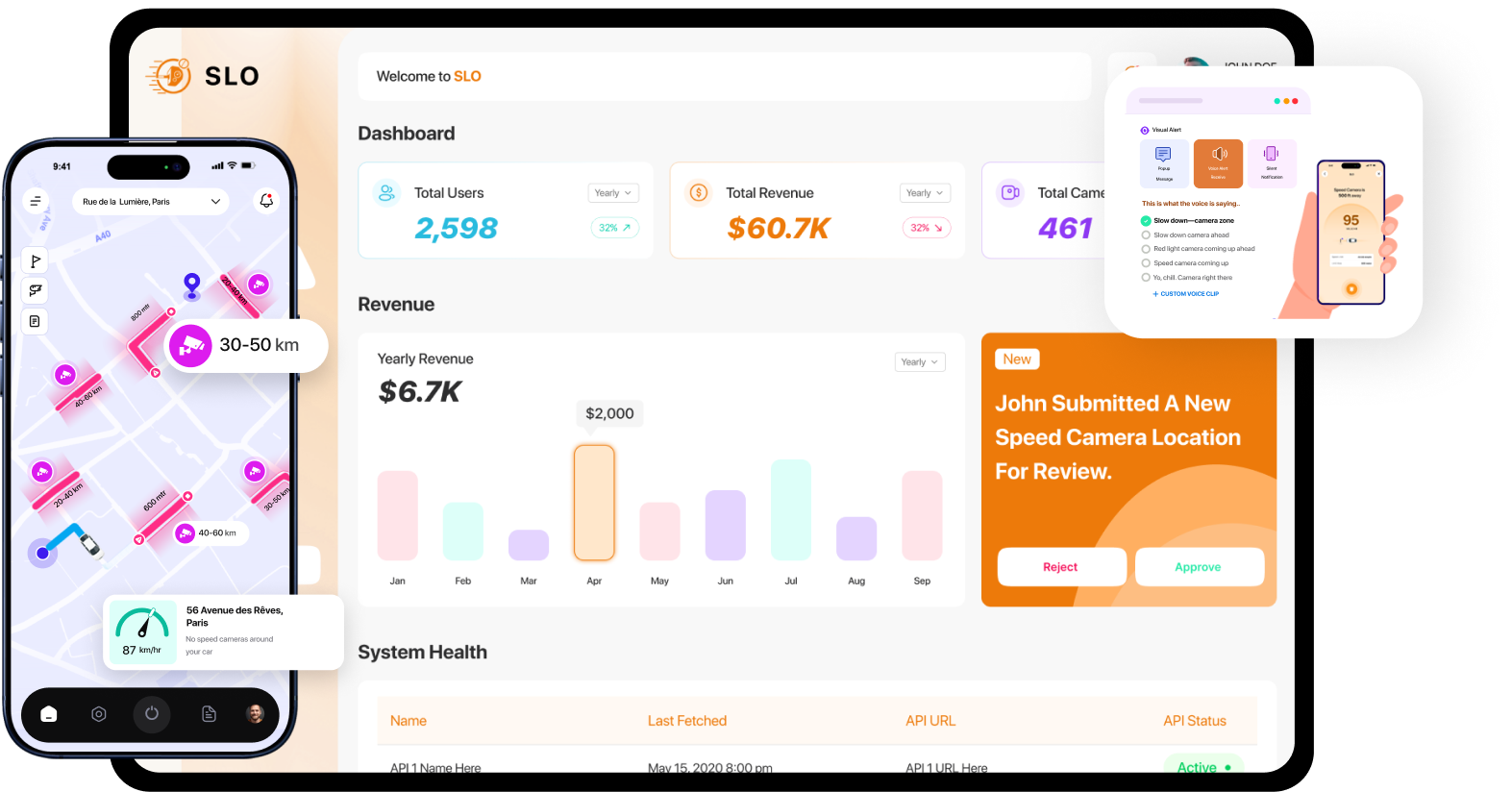
About the SLO
Canadian Software Agency built SLO, a full-stack smart mobility platform that helps New York City drivers reduce speed camera tickets through real-time GPS-based alerts, customizable notifications, driving session tracking, savings analytics, and subscription-based premium access.
SLO includes:
- A consumer iOS app for drivers (camera alerts + driving insights)
- A web-based admin portal for managing cameras, users, subscriptions, and moderation workflows
Timeline
Jun 2025 – Apr 2026
Total Development Effort
500+ hours across all disciplines
Team Size
10+ specialists
Key Deliverables
iOS Mobile App
Web Admin Portal
Backend APIs
The Challenge
NYC has one of the densest speed camera networks in the U.S., and drivers often receive fines without real-time awareness. The primary challenges were both product- and engineering-heavy:
- Building a real-time GPS proximity engine with directional awareness, and user-defined alert distances (50–1,000 ft)
- Ensuring alerts work reliably in the background on iOS (even when minimized or the phone is locked), under Apple’s background execution constraints
- Keeping camera data accurate via automated weekly syncing from third-party camera APIs
- Creating a community contribution flow with an admin review queue to protect data quality
- Implementing Apple In-App Purchase subscriptions with gating, renewal/cancellation flows, and failed-payment handling
- Delivering a reports engine that quantifies value via estimated ticket savings
The Solution
Canadian software agency delivered SLO as a complete end-to-end platform:
- React Native iOS app for drivers with background location support, speed compliance UI, and configurable alerting
- React.js admin portal for managing users, subscriptions, cameras, and moderation
- Node.js/Express + MongoDB backend with JWT-secured APIs and scheduled camera sync jobs
- Integrations across Google Maps SDK, Apple APNS via Firebase, Apple IAP, OAuth providers, and external camera data sources
The system supports two roles:
- Driver (App User): alerts, sessions, reports, subscription management, camera submissions
- Admin (Portal User): user management, subscription monitoring, camera governance, and approvals/rejections for community submissions
Core Platform Features
SLO offers a safety-first feature set designed to help NYC drivers stay aware of speed cameras in real time, from setting personalized alert preferences and running background-enabled driving sessions to tracking alerts, reviewing driving history, and managing premium subscription access.
Authentication & Profile
- Email/password and OAuth (Google, Apple, Facebook)
- JWT-based session security
- Profile management and persistent login

Real-Time Camera Alerts (Background-Ready)
- Proximity + directional detection using live GPS
- Alert distance control (50–1,000 ft)
- Alert modes: visual popup, vibration, voice, silent
- Designed to continue functioning while backgrounded/locked

Alert Settings & Preferences
- Volume/frequency tuning
- Scheduled auto-activation by day/time
- Custom voice upload
- Preview before applying settings

Driving Session Monitoring
- Manual start/stop sessions, logging speed + alert interactions
- Google Maps SDK speedometer with color-coded compliance indicator

Reports & Driving History
- Weekly/monthly reporting with filters
- KPIs: alerts fired, session totals, compliance trends, and estimated savings

Speed Camera Contribution
- User-submitted camera locations with auto GPS coordinates
- Admin review queue (approve/reject) before publishing

Subscription & Billing (Apple IAP)
- Monthly subscription ($3.99–$4.99/month)
- Premium feature gating
- Renewal/cancellation + failed payment scenarios handled

Camera Data Sync Engine
- Weekly cron-based sync from third-party APIs
- Intelligent updates to minimize unnecessary database writes

Admin Portal
- User and subscription monitoring
- Camera database management + bulk handling
- Moderation workflow for user-submitted cameras
- Platform analytics (sessions, alerts, compliance)

The Modern Stack Behind the Software.
A modern, production-ready stack was selected to support real-time interactions, cross-platform mobile delivery, and scalable deployment.
Core Technologies
React Native (iOS)
React.js (Admin Portal)
Node.js / Express (Backend APIs)
MongoDB (Database)
JWT Authentication
Supporting Infrastructure & Services
Google Maps SDK
Apple APNS via Firebase
Apple In-App Purchase
OAuth (Google / Apple / Facebook)
Branch.io (Deep linking)
AWS EC2 (Deployment/Hosting)
Firebase Analytics
See SLO in Action
SLO is now live across the web and IOS.
Project Timeline
The full product, including mobile apps, backend systems, and admin panel, was completed in approximately 8 weeks, followed by store submission and a 30-day free support window.
- June – Early July 2025

UI Development (M1)
- Canadian software agency converted the client’s Figma into an iOS UI and designed the admin dashboard UI
- Static builds delivered for review
Deliverable: UI-ready mobile + admin portal foundations
- Mid July – August 2025
API Development & Full Integration (M2)
- Backend APIs implemented and integrated with both web and mobile
- End-to-end platform functionality completed
Deliverable: Working full-stack system (app + portal + backend)
- October – November 2025
QA, Feedback & Launch (M3)
- QA fixes, final feedback incorporation
- iOS App Store submission + deployment to AWS EC2
Deliverable: Production launch
- Results

Delivered, Launched, and Iterated Based on Real Usage
SLO went live on the Apple App Store and continued improving through multiple post-launch releases, adding analytics, deep linking, and performance upgrades.
- Dec 2025 – Apr 2026
Post-Launch Iterations (Change Requests)
- CR1: Paywall improvements + Branch.io deep links
- CR2: Minor refinements
- CR3: Code review + optimization/tech debt reduction
- CR4: Firebase analytics + TikTok event tracking
Key Outcomes
SLO is now live across the web and IOS.
Platforms launched: iOS App Store & Web Portal
0
Week end-to-end delivery from kickoff to live
0
Development hours across all disciplines
0
+
Pull requests merged across API & UI repositories
0
+
User roles supported: Driver and Admin.
0
Related Case Studies
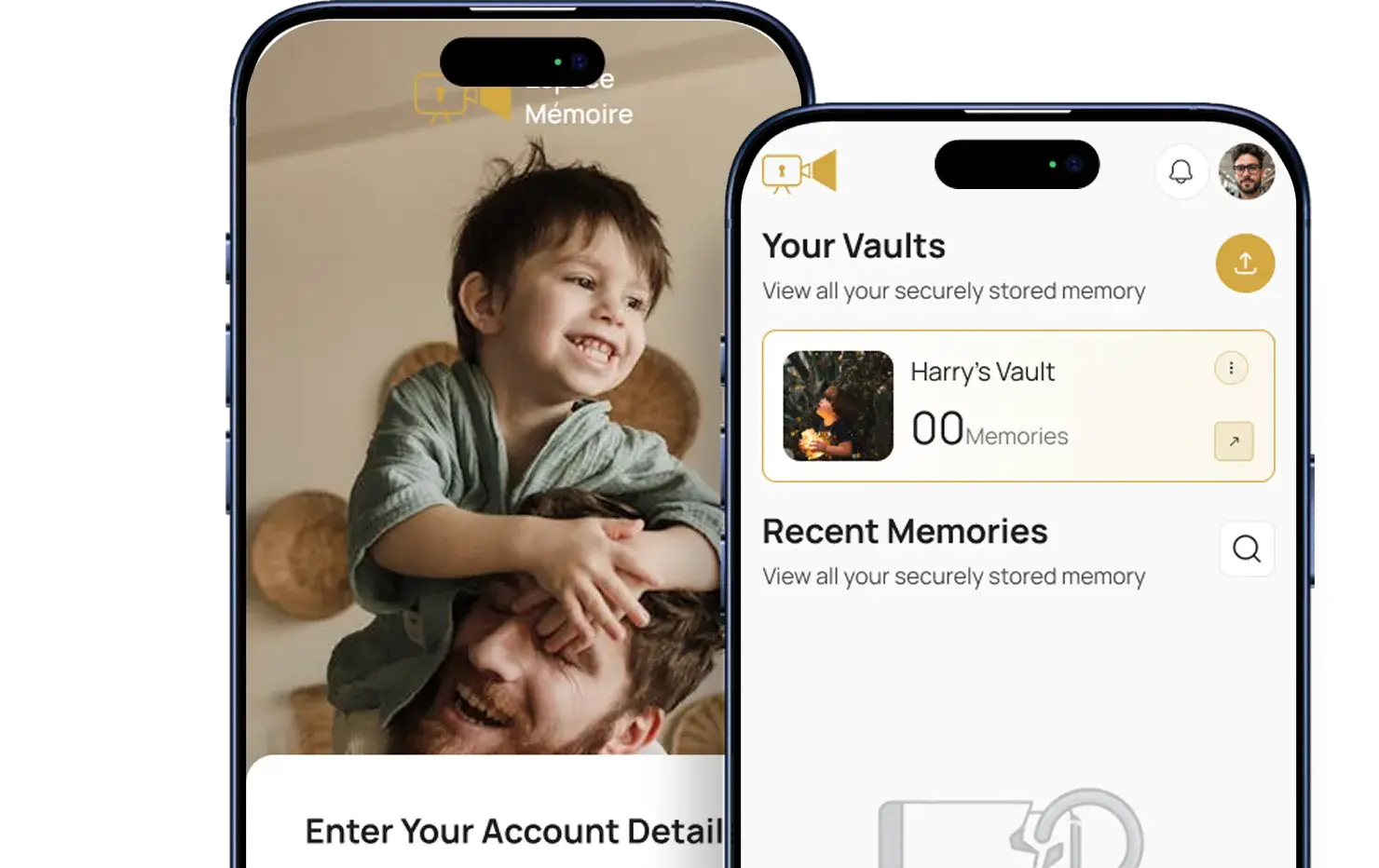
Espace Mémoire
Canadian Software Agency partnered with Espace Mémoire to transform an incomplete product vision into a fully functional, emotionally intelligent memory preservation platform available across web and mobile devices.
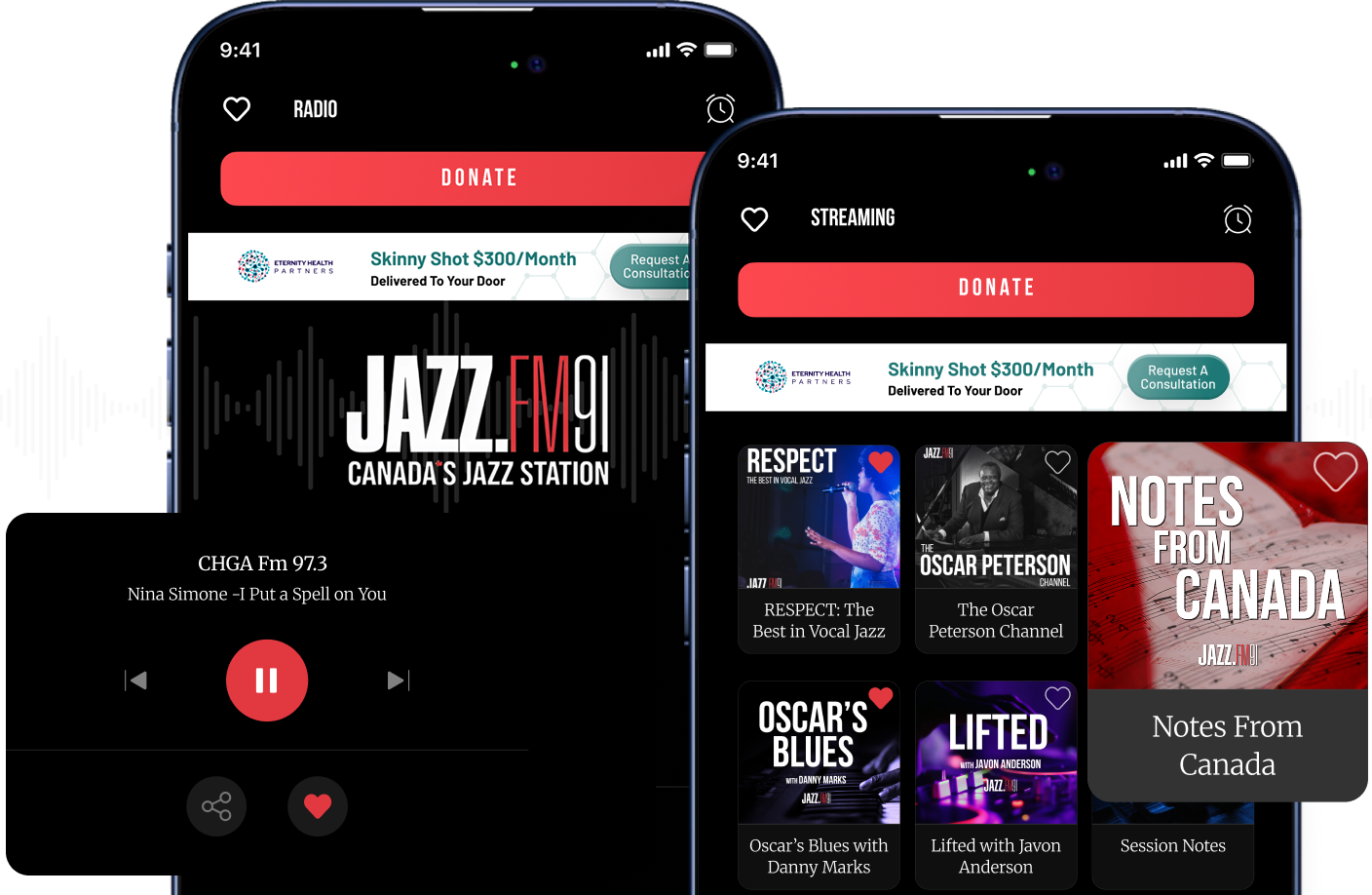
JazzFM
JAZZ.FM91 required a modern, scalable mobile platform to deliver seamless access to live radio streaming, podcast playback, and in-car media experiences.
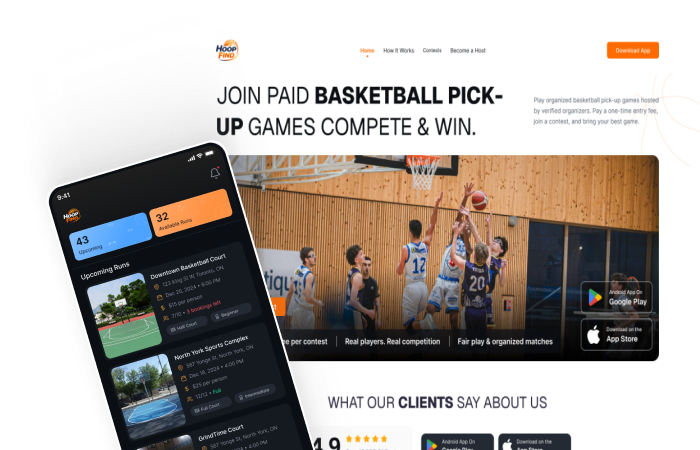
HoopFind
A full-stack mobile platform that connects basketball players across North America, streamlining game coordination and venue management.
GreenTag
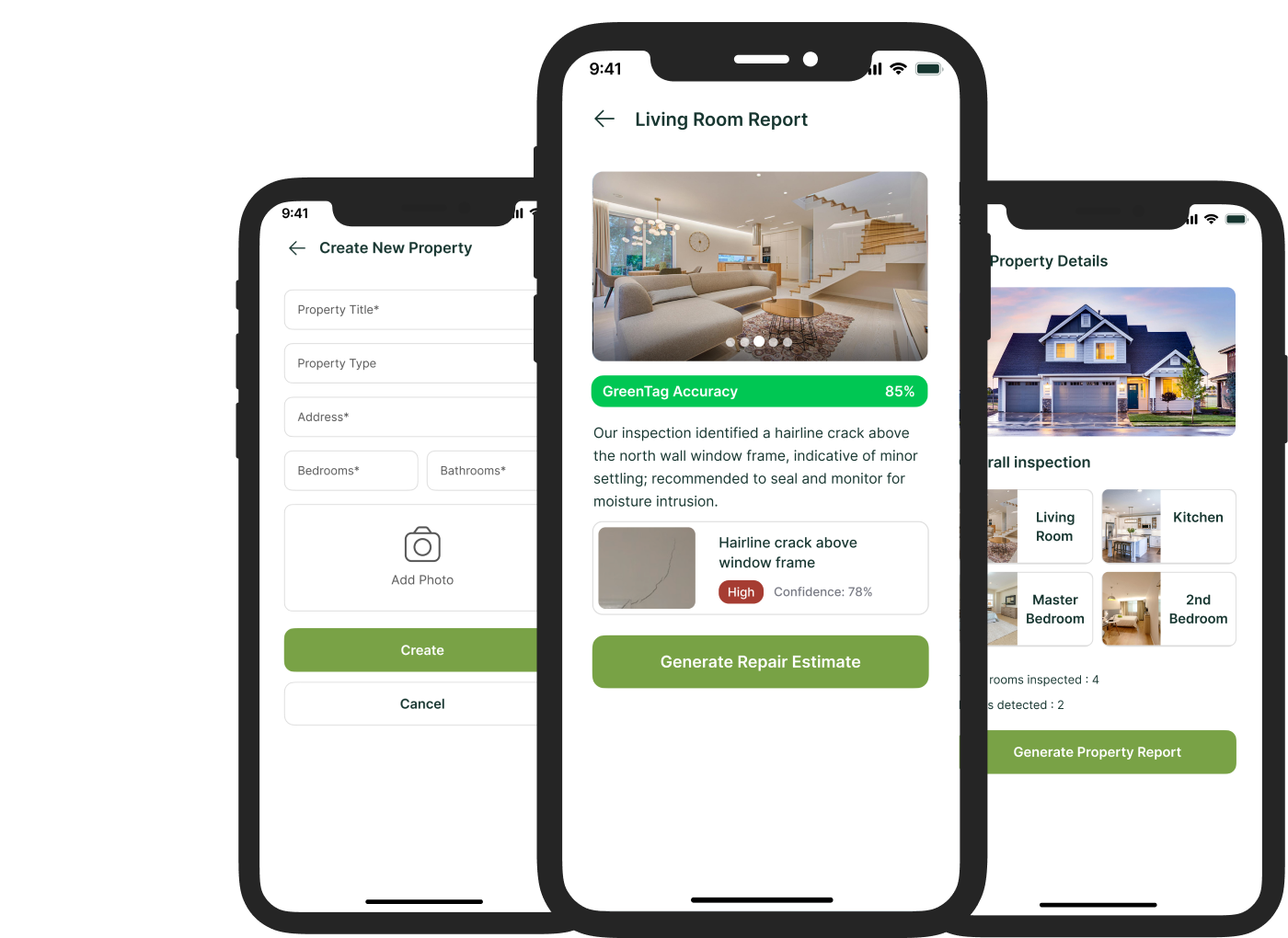
GreenTag is an Android and iOS app that lets users (buyers) scan and inspect homes or properties, using AI-powered analysis to automatically detect potential defects or damages before making an offer. Users can add and manage multiple properties within the app, capturing room-level details and generating structured inspection reports.
Frequently Asked Questions
How much does mobile app development cost in Canada?
The cost of mobile app development in Canada typically ranges from $10,000 to $150,000+, depending on the complexity, features, and platforms involved. A basic MVP app may cost between $10,000–$25,000, while more advanced applications with integrations, real-time features, or AI capabilities can exceed $100,000.
Factors affecting cost include UI/UX design, backend infrastructure, APIs, scalability requirements, and whether the app is built natively or cross-platform
How long does it take to build a mobile app?
The timeline for mobile app development usually ranges from 8 weeks to 6 months. A simple MVP can be completed in 6–10 weeks, while complex applications with advanced features, integrations, or AI components may take 4–6 months or longer.
Proper planning, clear requirements, and an experienced development team significantly reduce timelines.
What is the difference between native and cross-platform app development?
Native apps are built specifically for iOS (Swift) or Android (Kotlin), offering maximum performance and full access to device features. Cross-platform apps (React Native, Flutter) allow faster development and lower costs by using a shared codebase.
The choice depends on your budget, performance needs, and time-to-market requirements.
What industries benefit the most from AI development?
AI development is widely used across industries including:
- Healthcare (diagnostics, patient management)
- Fintech (fraud detection, analytics)
- E-commerce (recommendation engines)
- Logistics (route optimization)
- Education (adaptive learning)
Businesses that rely on data, automation, or personalization benefit the most from AI integration.
What is an AI agent and how does it work?
An AI agent is a system that can perform tasks autonomously using artificial intelligence. It can analyze data, make decisions, and execute actions without constant human input.
Examples include chatbots, workflow automation tools, and AI assistants integrated into business systems.
What is RAG (Retrieval-Augmented Generation) in AI?
RAG (Retrieval-Augmented Generation) is an AI approach that combines large language models with real-time data retrieval. It allows AI systems to generate more accurate and context-aware responses using external knowledge sources.
It is commonly used in chatbots, enterprise search systems, and AI assistants.
Do you build SaaS platforms?
Yes, we specialize in SaaS (Software as a Service) development, building scalable cloud-based platforms for startups and enterprises. Our SaaS solutions include subscription systems, dashboards, user management, and integrations.
What technologies do you use for development?
We use modern technologies including:
- React, Next.js (frontend)
- Nodejs, Python (backend)
- MongoDB, PostgreSQL (databases)
- AWS, Azure (cloud)
- React Native, Flutter (mobile)
Do you offer post-launch support and maintenance?
Yes, we provide ongoing support, maintenance, and scaling services. This includes bug fixes, performance optimization, feature updates, and infrastructure management.
Can you scale an existing application?
Yes, we specialize in scaling existing applications by improving performance, optimizing architecture, and adding new features to support growth.
What is the cost of custom software development in Canada?
Custom software development typically ranges from $20,000 to $200,000+, depending on the complexity, integrations, and scalability requirements.
Do you work with startups or only enterprises?
We work with both startups and enterprises. For startups, we focus on MVP development and rapid deployment. For enterprises, we build scalable, secure, and integrated systems.
What is the best tech stack for mobile app development?
The best tech stack depends on your goals. Native development (Swift/Kotlin) offers performance, while React Native and Flutter offer faster development and cost efficiency.
Do you provide UI/UX design services?
Yes, we provide full UI/UX design services including wireframes, prototypes, and user experience optimization.
What is included in your AI development services?
Our AI services include AI agents, LLM integration, RAG systems, chatbots, predictive analytics, and automation solutions.
How do you ensure security in software development?
We follow best practices including encryption, secure authentication, compliance standards, and regular security audits.
Do you develop enterprise software?
Yes, we build enterprise-grade applications including CRM, ERP, dashboards, and workflow automation systems.
What is your development process?
Our process includes discovery, design, development, testing, deployment, and ongoing support.
Can you integrate third-party APIs?
Yes, we integrate APIs including payment gateways, CRMs, AI services, and more.
What is AI automation?
AI automation uses artificial intelligence to automate repetitive tasks, improve workflows, and reduce manual effort.
Do you build e-commerce platforms?
Yes, we build scalable e-commerce platforms with payment integrations, inventory systems, and AI-driven personalization.
What makes your company different from competitors?
We combine AI expertise, mobile app development, and custom software capabilities under one roof, allowing us to deliver complete digital solutions.
Do you provide cloud deployment services?
Yes, we deploy applications on AWS, Azure, and other cloud platforms for scalability and reliability.
Can you modernize legacy systems?
Yes, we help businesses modernize outdated systems by upgrading technology and improving performance.
How do I get started with your development services?
You can contact us through our website to schedule a consultation where we discuss your project requirements and provide a tailored solution.

-

- Posted by Canadian Agency Web Development Team

September 29, 2026
17 min read
Webflow Website Development: How to Build a Website That Drives Real Results
-
- Posted by Canadian Agency Web Development Team
September 23, 2026
15 min read
AI in Ecommerce: 10 Powerful Ways It's Transforming Online Stores
Ready to work together?
Let's get in touch